
About
If you want to learn PowerCenter Informatica, the best way to follow is:
- first to install it
- and then to follow the Getting Started Guide (such as the file PC_861_GettingStarted.pdf for the 8.6.1 version) that you can find in the documentation directory of the installation files.
- if you want to go further in your knowledge, you can install Oracle Business Intelligence Application with the version that use Informatica PowerCenter. OBIA is a complete BI and DataWarehouse Application. You will then find a lot of practice example of datawarehouse development.
- The F1 key (version 8+) has also a lot of answers/information any Informatica professional could desire.
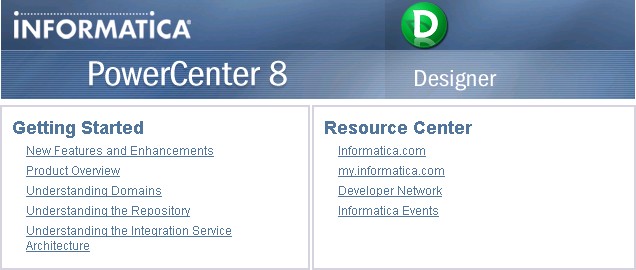
You can also find great information on the start page of the designer tool.
You can get also Quick Start guides from the How-To Library at http://mysupport.informatica.com.